

GOM Player APK: Free Mobile Video Playback
Overview
GOM Player APK is a free multimedia application developed by GOM Lab, designed to serve as a versatile alternative to default mobile media players. The software is tailored for users seeking enhanced video playback capabilities across a wide range of formats, offering robust compatibility with common and niche file types such as AVI, FLV, MP4, Matroska, OGG, and OGM. Its primary purpose is to deliver a seamless, customizable video experience on Android devices, particularly for those who frequently encounter playback issues with native players.
Target users include mobile content consumers, digital media enthusiasts, and professionals who manage video files across multiple devices. The application supports advanced playback features like variable speed control, touch gesture navigation, and subtitle management, making it suitable for both casual viewing and detailed content analysis. GOM Lab, a South Korea-based company, has expanded its presence to global markets, including English-speaking regions, reflecting its commitment to accessibility and usability.
Real-world usage scenarios include watching downloaded movies, accessing YouTube VR content in 360° mode, managing a personal video library with favorites, and utilizing cloud storage integration for large files. The software also allows users to capture screenshots during playback with adjustable transparency, a feature beneficial for content creators and educators. While the developer did not specify additional system requirements, the application is optimized for Android devices and operates within standard mobile performance parameters.
Key Features & Capabilities
- Wide Format Compatibility – Supports playback of numerous video formats including AVI, FLV, MP4, Matroska, OGG, OGM, and more, reducing the need for file conversion.
- Customizable Playback Settings – Allows users to set default video quality, assign preferred players for specific formats, and adjust playback speed and progress bar behavior.
- Subtitle Management – Offers built-in subtitle handling with options to load, adjust timing, and customize appearance for improved viewing clarity.
- 360° VR Mode – Enables immersive playback of YouTube VR videos, enhancing the experience for users of virtual reality content.
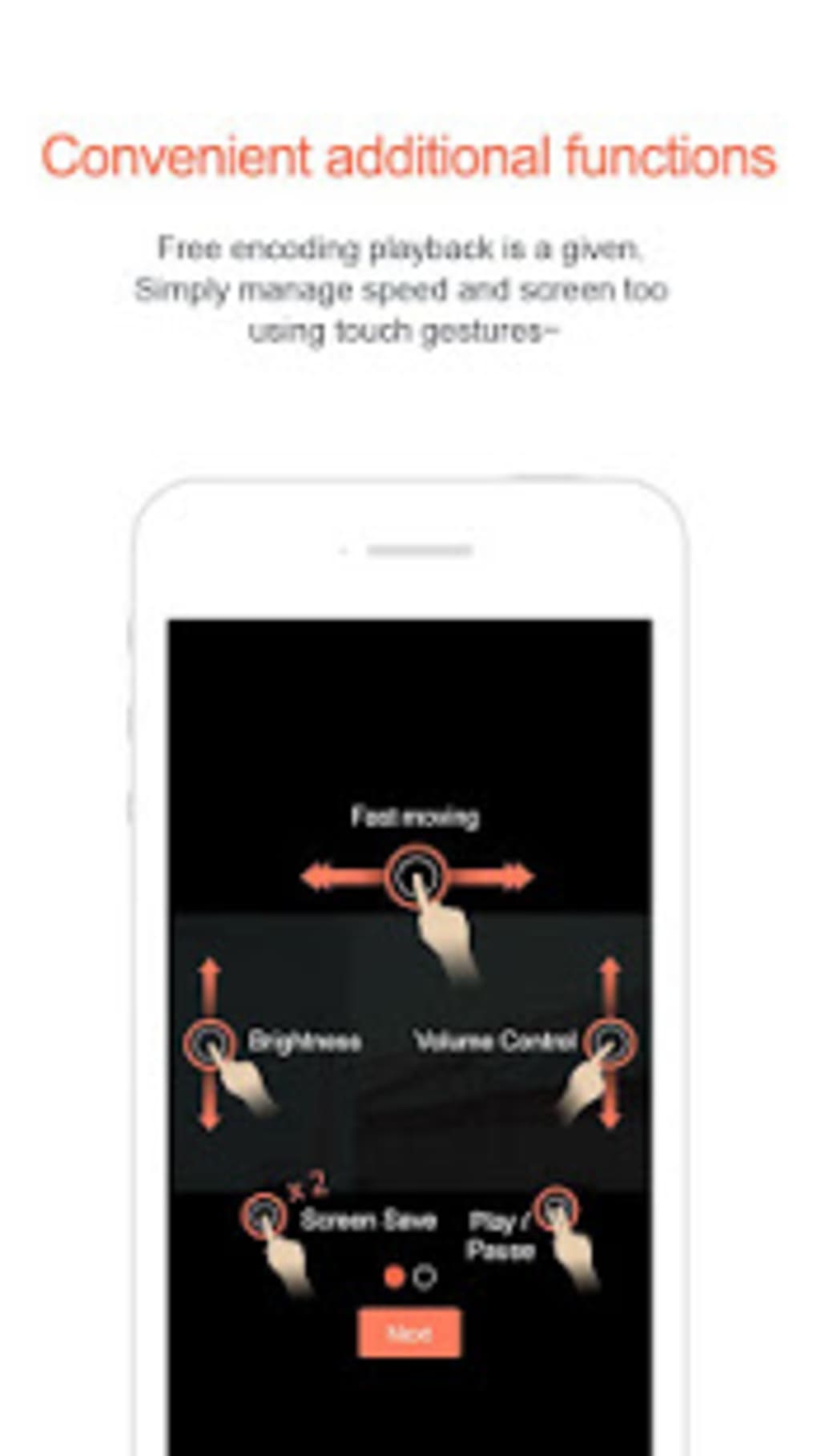
- Touch Gesture Controls – Supports intuitive gestures for navigation, volume adjustment, and playback control without requiring on-screen buttons.
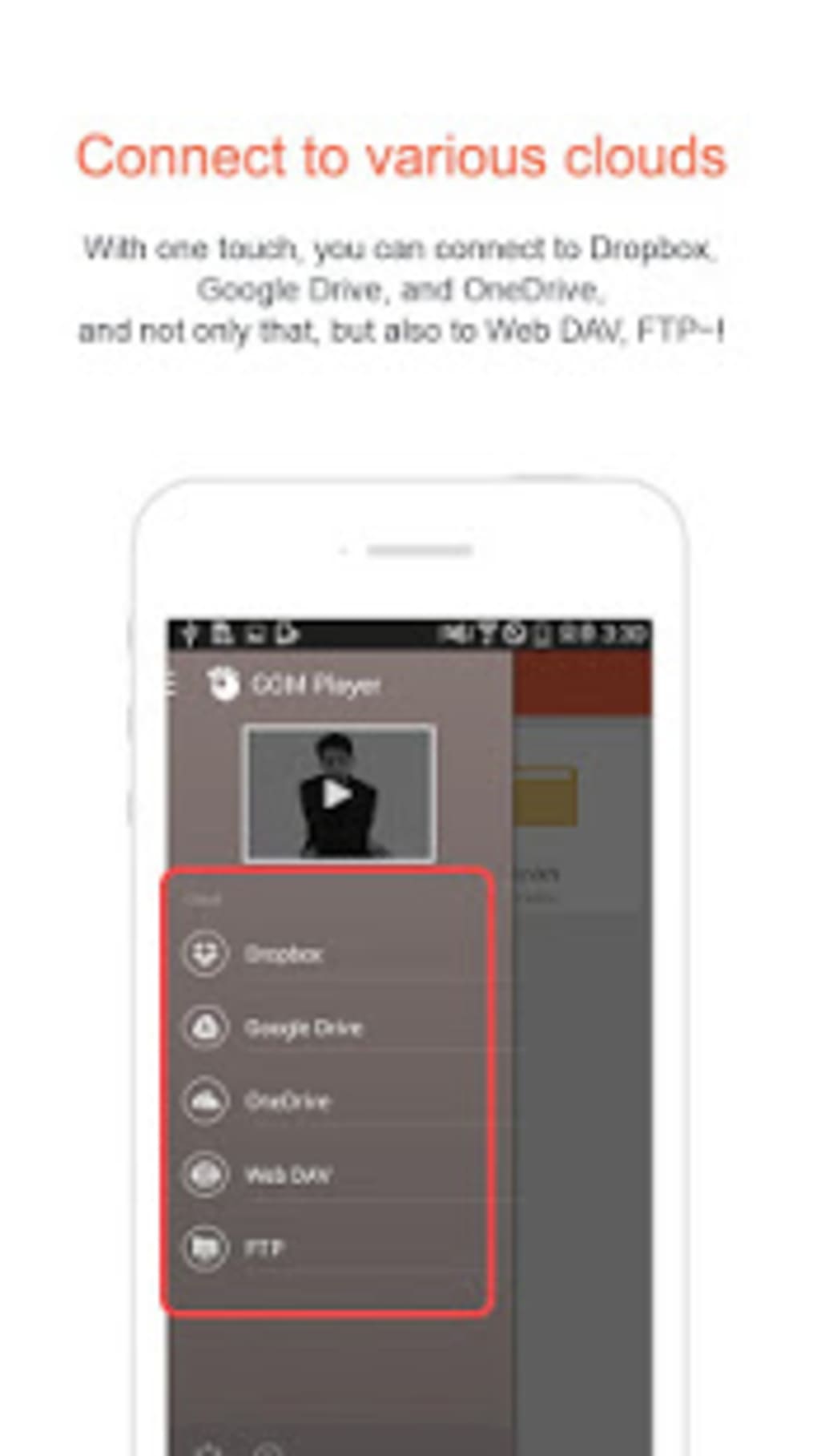
- Cloud Storage Integration – Works with major cloud platforms, allowing users to stream or access videos stored remotely without local storage constraints.
- Favorites & Screenshots – Users can save videos to a Favorites list for quick access and take screenshots during playback with customizable transparency.
- GOM Player Plus Upgrade – Offers a premium tier for ad-free, low-buffer playback in 4K resolution and access to dedicated customer support.
These features collectively address common pain points such as format incompatibility, limited playback controls, and poor user interface design. For example, a user with a collection of older AVI files can play them directly without conversion, while a content creator can capture transparent screenshots for editing. The ability to manage codecs and find compatible ones online further strengthens its adaptability.
User Interface, Workflow & Performance
The user interface of GOM Player APK is built around intuitive slide menus and responsive touch elements, providing a clean and accessible layout. Navigation is streamlined through a central playback screen with easily reachable controls for playback, speed, subtitles, and settings. The design prioritizes ease of use, allowing users to quickly access key functions without navigating complex hierarchies.
Workflow efficiency is enhanced by features like automatic format detection, customizable default players, and gesture-based controls. Users can adjust video speed, jump to specific sections, and manage playback progress with minimal interaction. The application supports touch gestures for volume, brightness, and playback control, which improves the overall viewing experience on touch-enabled devices.
Performance observations are based on general software behavior patterns. The developer did not specify resource usage details, so CPU and RAM behavior cannot be confirmed. However, the application’s lightweight size of 24.6 MB suggests efficient resource utilization. Stability is expected to be consistent with standard Android applications, though actual performance may vary based on device hardware and system configuration.
Compatibility & System Requirements
GOM Player APK is designed for Android devices and is compatible with the specified version 2.6.2. The installation size is 24.6 MB, which is relatively small for a multimedia application with extensive format support. This indicates efficient packaging and minimal footprint on storage.
Exact system requirements were not listed by the developer. Compatibility information is limited to the Android platform, suggesting broad support across modern Android versions. However, the application may not function on older or low-end devices due to potential hardware limitations. Users should ensure their device meets minimum Android standards to run the software effectively.
For devices that require paid codecs such as EAC3 and DTS, users may need to obtain licenses separately, as these are not included in the free version. This limitation could affect playback of certain high-quality audio tracks, particularly in professional or premium content.
Pros and Cons
Pros
- Extensive support for video formats, including legacy and uncommon file types.
- Intuitive touch-based interface with gesture controls for smooth navigation.
- 360° VR playback for immersive video experiences.
- Integration with cloud storage platforms for remote file access.
- Customizable playback settings and subtitle management.
- Free to download and use with optional premium upgrade.
Cons
- Limited information on system requirements and performance metrics.
- Paid codecs like EAC3 and DTS require separate licensing for full functionality.
- Advanced features are locked behind the GOM Player Plus subscription.
- Interface may feel basic compared to modern media apps with rich animations.
FAQ Section
Is GOM Player APK compatible with all Android devices?
The application is designed for Android, but exact compatibility details were not provided. It may not function on older or low-end devices due to hardware limitations.
Is GOM Player APK safe to download and use?
Yes, the software is developed by GOM Lab, a recognized company in South Korea. It is available as a free download and does not include malware or intrusive ads in the standard version.
Can I use GOM Player APK offline?
Yes, the application supports offline playback of locally stored video files, making it ideal for travel or areas with limited internet access.
Does GOM Player APK support 4K video playback?
Basic playback is supported, but high-resolution 4K playback with minimal buffering requires the GOM Player Plus subscription.
How do I update GOM Player APK?
Updates are available through official app distribution channels. Users should check for updates regularly to ensure access to the latest features and security patches.
Final Thoughts
GOM Player APK stands out as a reliable and feature-rich mobile video player for Android users seeking a powerful alternative to default media apps. Its broad format compatibility, intuitive interface, and support for advanced features like 360° VR and cloud integration make it a strong choice for both casual viewers and media professionals. While some advanced capabilities are restricted to the paid tier, the free version remains highly functional and accessible.
Users who frequently deal with diverse video formats, enjoy immersive content, or need flexible playback controls will benefit most from this application. The seamless integration with cloud storage and customizable settings further enhance its utility in daily use.
Download GOM Player APK now





.png)

